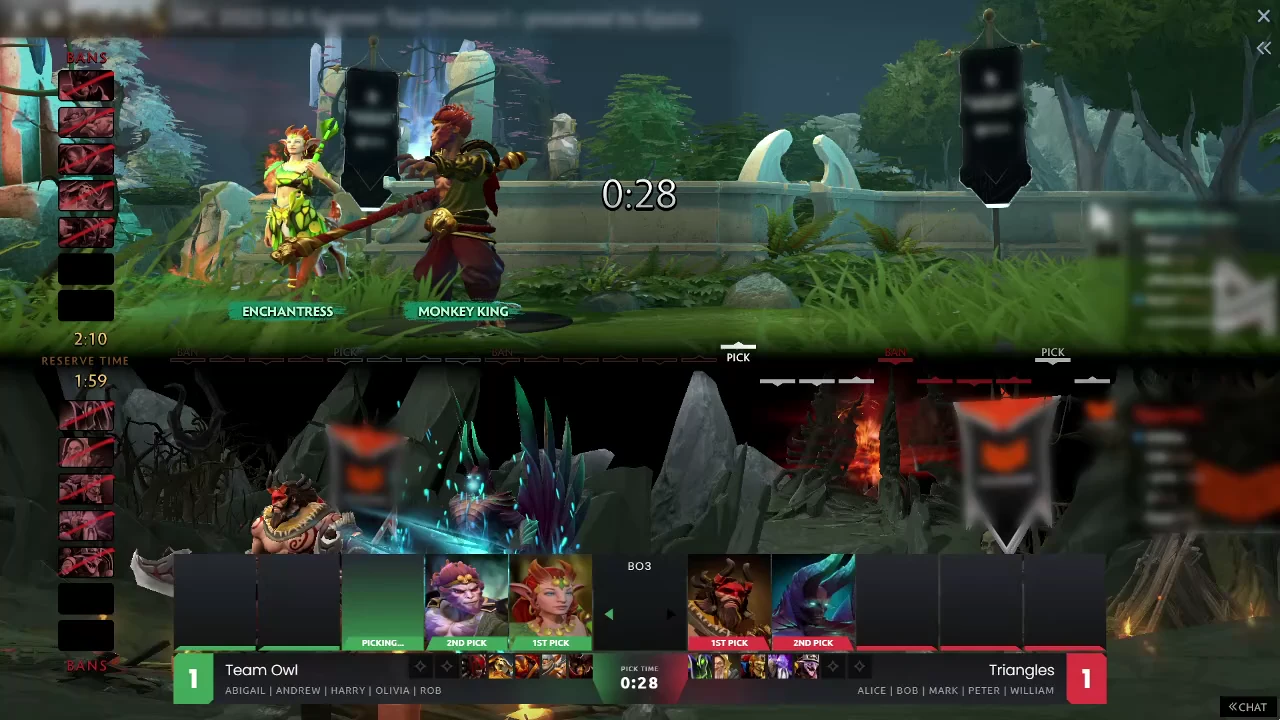
Live match HUD
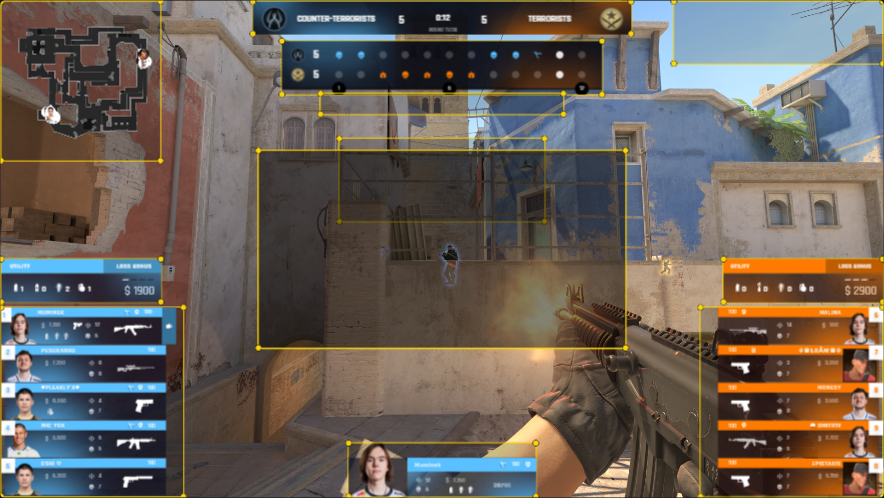
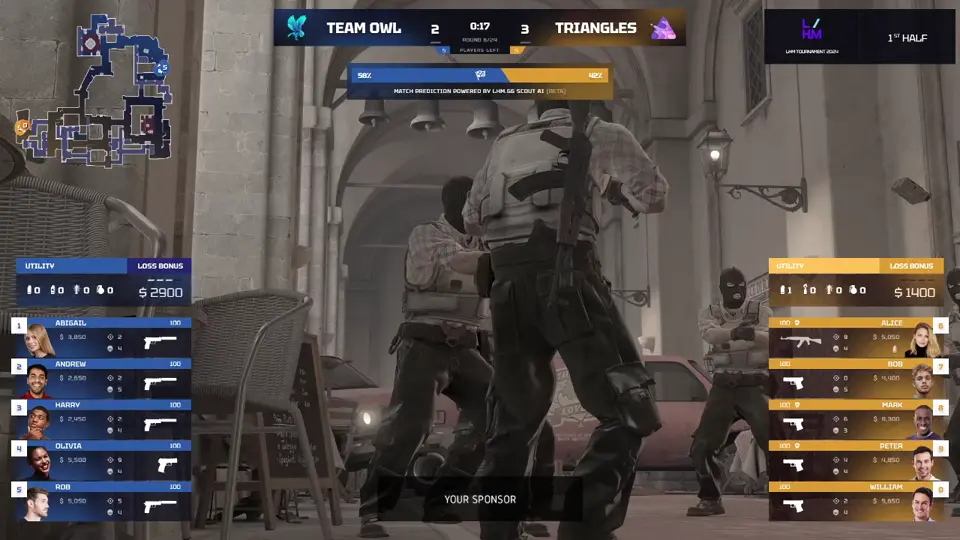
Run a polished CS2 observer HUD with three live-switchable layouts, clear player data, and built-in sponsor placements.
Professional Counter-Strike 2 broadcast HUD
Launch a customizable CS2 HUD overlay for tournaments, streams, and live productions. Ultra HUD connects the live match, map veto, replays, post-match screens, sponsor placements, and cloud presets in one LHM workflow.


One connected workflow
Ultra CS2 HUD covers the complete Counter-Strike 2 broadcast workflow. Instead of preparing each screen separately, use one connected package for match data, event branding, and overlays, with presets kept in sync through LHM Cloud.
Production workflow
Move through the entire show with dedicated graphics that share the same match data, branding, and visual language.
No-code customization
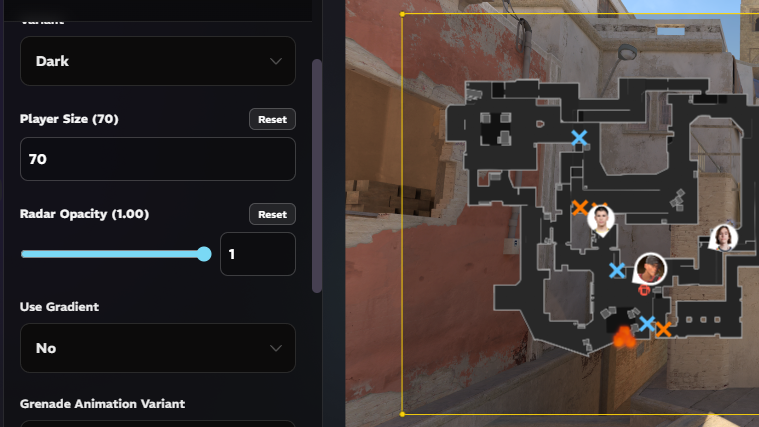
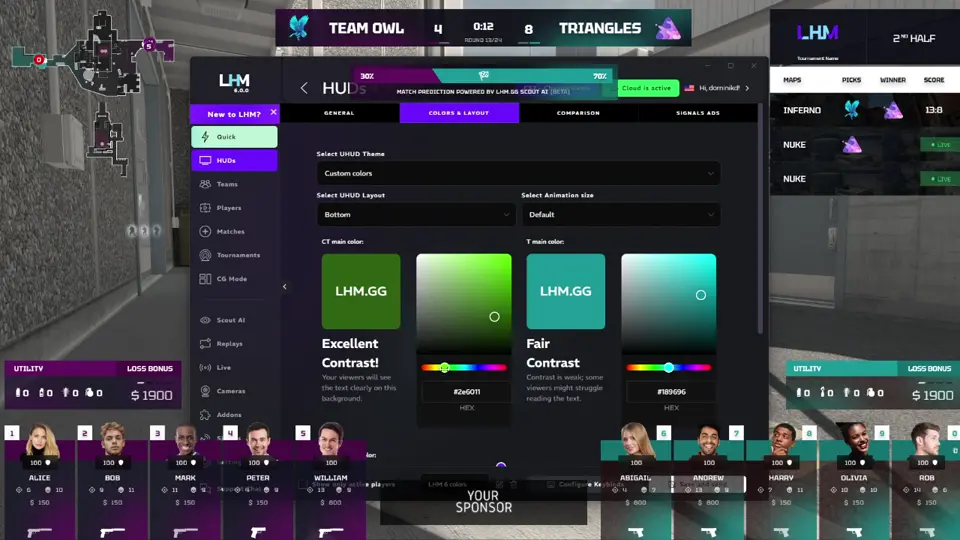
Turn Ultra into a custom CS2 HUD for your brand. Fine-tune colors, shapes, sizes, fonts, sponsor media, and radar styling, then save production-ready presets without changing the code.
Built for live CS2 production
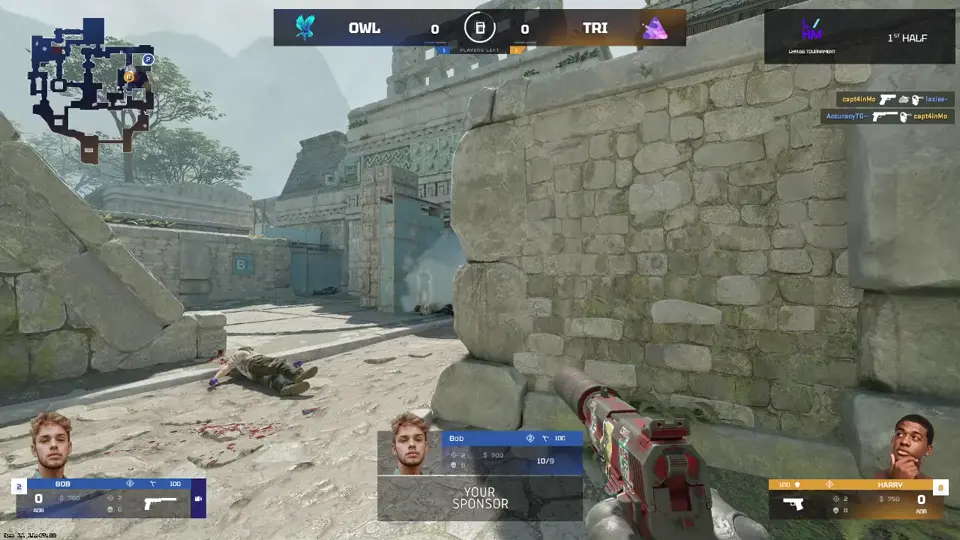
Give viewers the information they need while your production team stays in control of the design, data, and timing.
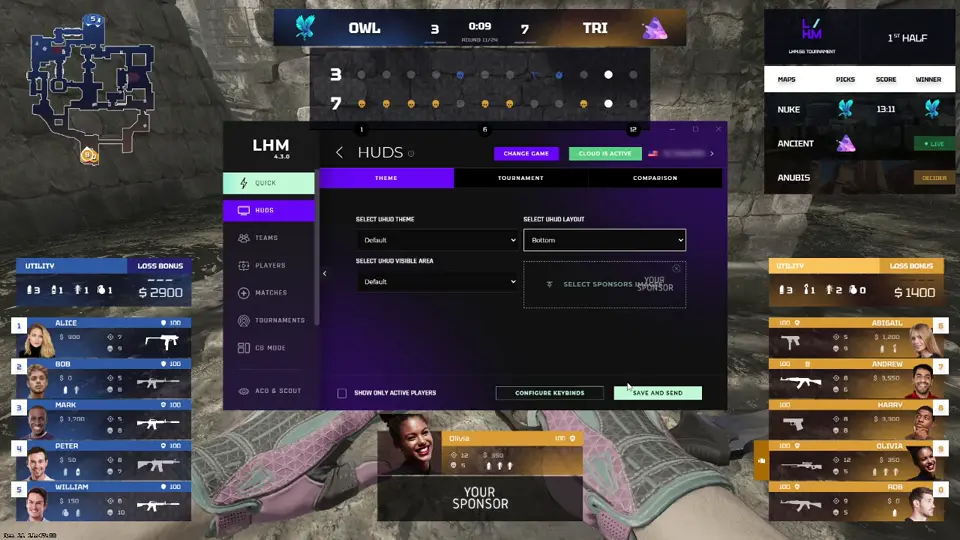
Choose the layout that fits your event and switch display modes live with smooth transitions.
Show match context, comparisons, advanced statistics, and sponsor content through clear, dedicated broadcast graphics.
Show the observed player's feed with LHM Cameras online or Camera Mixer at on-site events.
Broadcast in 4K with crisp graphics that keep every player panel, statistic, and utility indicator clear.
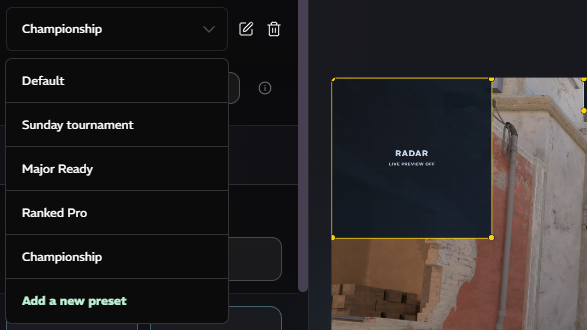
Adjust colors and key visual details, then save branded configurations as reusable LHM Cloud presets.
Fine-tune shapes, sizes, styling, fonts, and assets to create a CS2 HUD that fits your brand.
Choose the layout that fits your event and switch display modes live with smooth transitions.
Show match context, comparisons, advanced statistics, and sponsor content through clear, dedicated broadcast graphics.
Show the observed player's feed with LHM Cameras online or Camera Mixer at on-site events.
Broadcast in 4K with crisp graphics that keep every player panel, statistic, and utility indicator clear.
Adjust colors and key visual details, then save branded configurations as reusable LHM Cloud presets.
Fine-tune shapes, sizes, styling, fonts, and assets to create a CS2 HUD that fits your brand.
Ultra HUD turns live game data into clear, broadcast-ready graphics without pulling attention away from the action.
Show more tactical detail through a custom radar that matches the rest of your CS2 HUD.
Give viewers a quick look at previous and upcoming maps in a best-of series.
Show how each round was won and make the match momentum easier to follow.
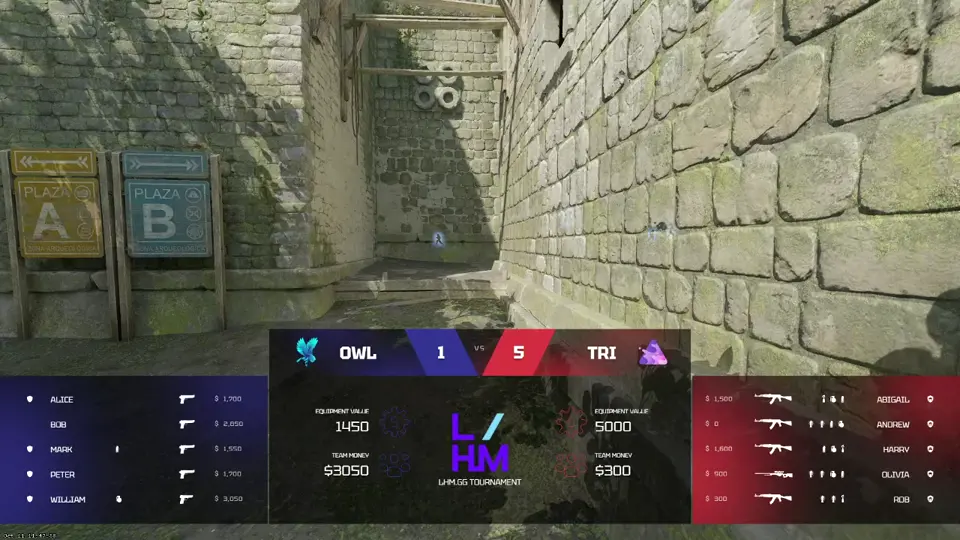
Keep viewers up to date on both teams' economy, equipment, and available utility.
Turn the planted-bomb countdown into a clear, eye-catching visual.
Match the killfeed to your broadcast design and show richer elimination details.
Present the CS2 map veto on a dedicated screen updated with each team's choice.
Show countdowns, match information, and results before and after the action.
Make bomb plants and defuses easier to follow with time-sensitive visual cues.
Run custom formats such as 1v1 and 2v2 with layouts suited to smaller player counts.
Place sponsor and tournament logos inside the broadcast without crowding the action.
Connected LHM workflow
Ultra HUD connects with the wider LHM toolset, so match data, visual presets, and production settings can move through the event without repeated manual setup.
Save presets, match data, teams, players, and HUD settings in one cloud workflow.
Learn moreBuild custom CS2 HUD variants with no-code controls for layouts, assets, and visual styling.
Learn moreAutomate map picks and bans for veto overlays shown before the match starts.
Learn moreCapture highlight moments and present them through the dedicated Ultra CS2 Replay HUD.
Learn moreAdd AI observing, cinematics, and predictions when your CS2 production needs more automation.
Learn moreAdd delayed player feeds for online matches or Camera Mixer workflows for LAN events.
Learn moreAvailable for Professional and Enterprise
Ultra CS2 HUD is available with Professional and Enterprise plans from three seats. Start your setup now or compare plans to find the right package for your production team.
FAQ
Ultra CS2 HUD is a professional Counter-Strike 2 observer HUD and broadcast overlay package. It presents live match data through three selectable layouts and includes connected screens for map veto, pre-match, replays, post-match, tournament brackets, and studio segments.
Yes. Ultra HUD Editor lets you change colors and core visual settings. HUD Composer adds no-code controls for layouts, fonts, shapes, sizes, sponsor assets, and radar styling. Your configurations can be saved as reusable presets in LHM Cloud.
Yes. Ultra HUD can be used for online and on-site Counter-Strike 2 productions. LHM Cameras supports delayed player feeds for online matches, while the Camera Mixer addon integrates player camera workflows at LAN events.
Ultra CS2 HUD is available with Professional and Enterprise plans starting from 3 seats. Visit the pricing page to compare current plan features and choose the right setup for your production team.
Ultra can be extensively adapted through Ultra HUD Editor and HUD Composer, but its source code is not shared. For a fully bespoke implementation, order a custom CS2 HUD from Lexogrine or modify the open-source CS2 default HUD and run it through LHM.
The LHM guide explains how to enable Ultra HUD, select its variants, customize the design, save presets, and use the connected overlays. Open the Ultra CS2 HUD setup guide for the latest configuration steps.
Explore production-ready HUDs for every supported game.
Browse all HUDs & Overlays