User Guide
Detailed documentation for every feature, including technical specs and best practices. Available at guide.lhm.gg and in our
in-platform guide page.
Detailed documentation for every feature, including technical specs and best practices. Available at guide.lhm.gg and in our
in-platform guide page.
Detailed practical walkthroughs on YouTube. Learn how to set up overlays, manage streams, and use advanced production features. For product deep dives, explore the LHM blog.
Talk to our support team for real-time help with account access or billing. You can also review pricing plans before reaching out.
Join thousands of creators and production professionals. Ask questions, share feedback, discuss complex technical issues, and get help from both the community and the LHM team. For quick answers, visit our FAQ.
Start with User Guide and Video Tutorials.
User Support Chat for direct intervention from our staff. You can also check plan details.
Our Discord Community is best for discussions, peer advice, and sharing the issues with video recordings and screenshots. Related setup resources are available in HUD Management.
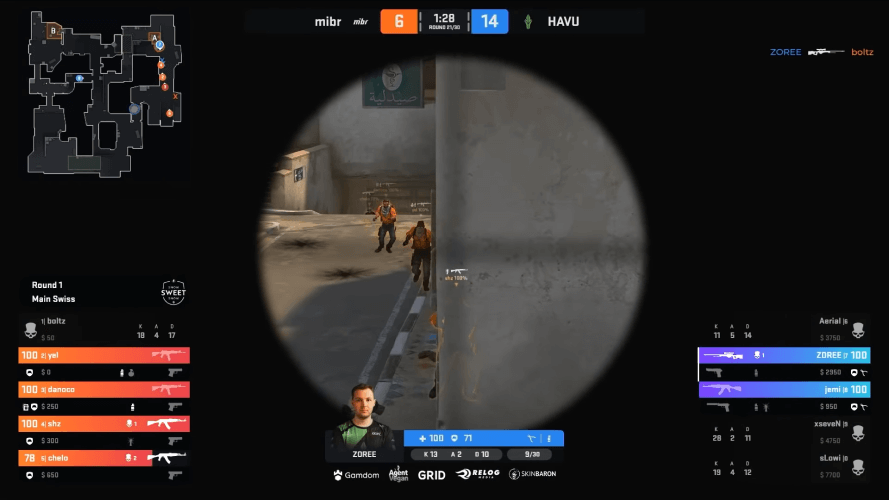
Order a fully custom HUD built by Lexogrine. Share your requirements, branding, and must-have features, and we'll design and deliver a production-ready HUD tailored to your event. You'll receive it directly through LHM Cloud for instant access and easy updates, and you'll get ongoing support for tweaks, fixes, and future iterations. You can browse more examples in our case studies.
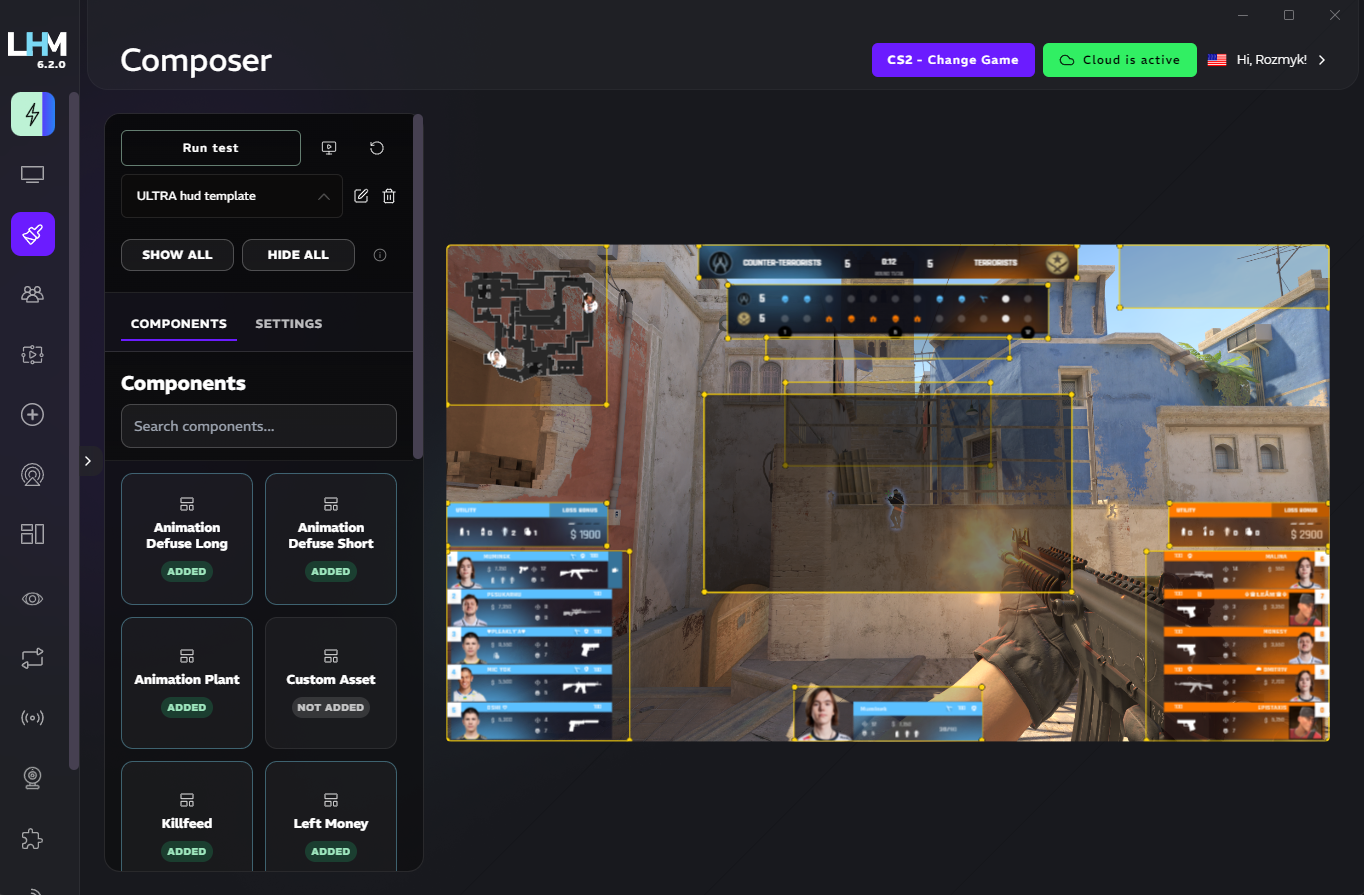
Build your own custom HUD without writing a single line of code. HUD Composer lets you mix and match components from popular LHM HUDs like Ultra, Sapphire, and Neon, then fine-tune colors, fonts, sizing, layout, and styling to create something truly unique. Save multiple variants as presets in LHM Cloud and iterate whenever your event needs a new look. Pair it with HUD Sharing & Renting for faster team collaboration.