When building a custom HUD in LHM Composer, you get a live preview as you work. Elements are animated with test data, so you can see how the HUD behaves across different scenarios and make sure it matches your needs.
Esport Broadcasting Powerhouse
HUD Composer for CS2
With LHM Composer, you can build a custom HUD without writing a single line of code. With advanced, granular customization, you can control colors, patterns, borders, shapes, opacity, element sizes, and positioning. Everything is automatically saved to LHM Cloud. Thanks to the presets you can create and manage as many variants as you need.
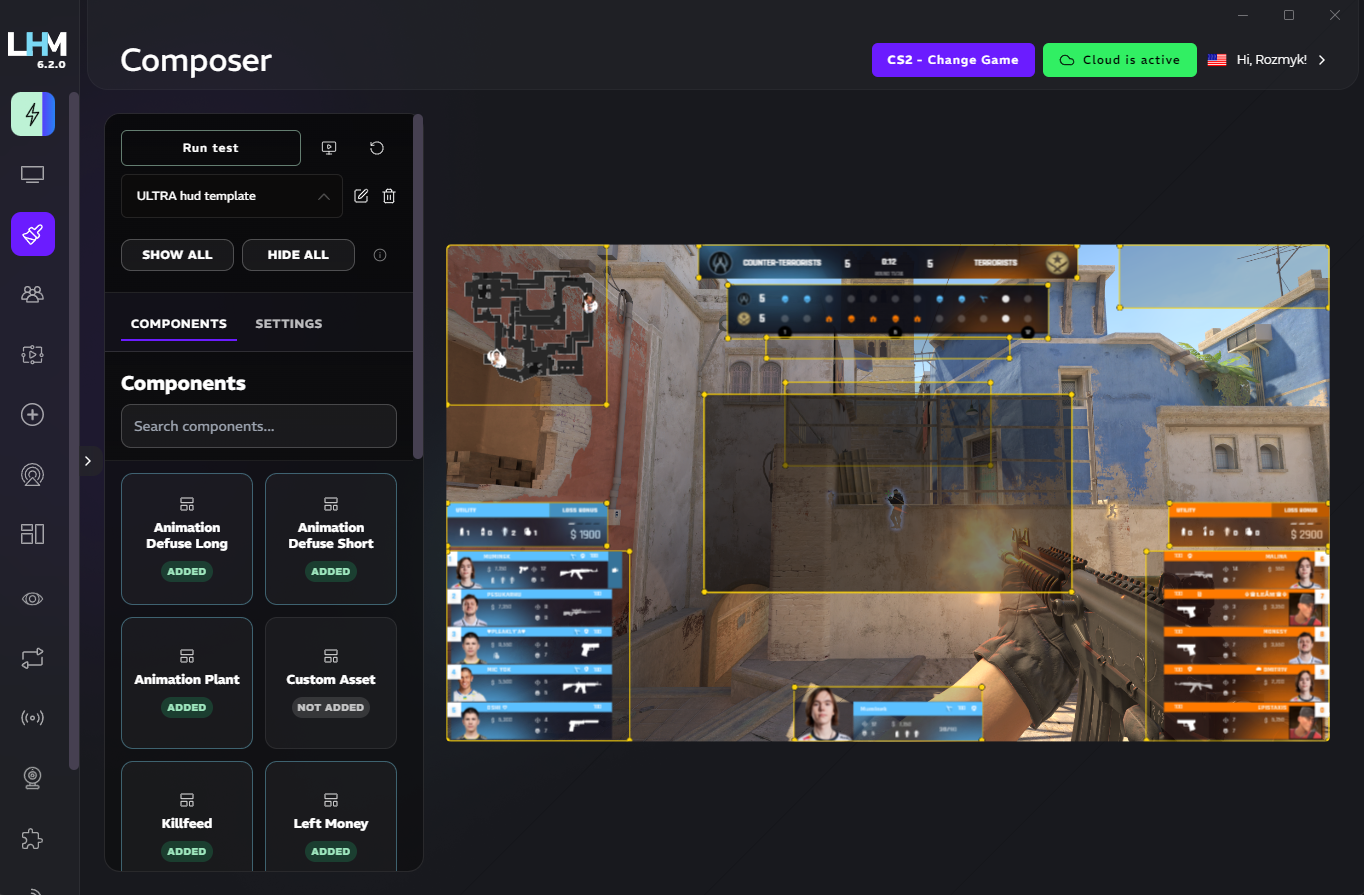
Build, preview, and save custom CS2 HUD variants in LHM Cloud, accessible whenever you need them.
With LHM Composer, you can build a custom HUD without writing a single line of code.
COMPOSERPresets
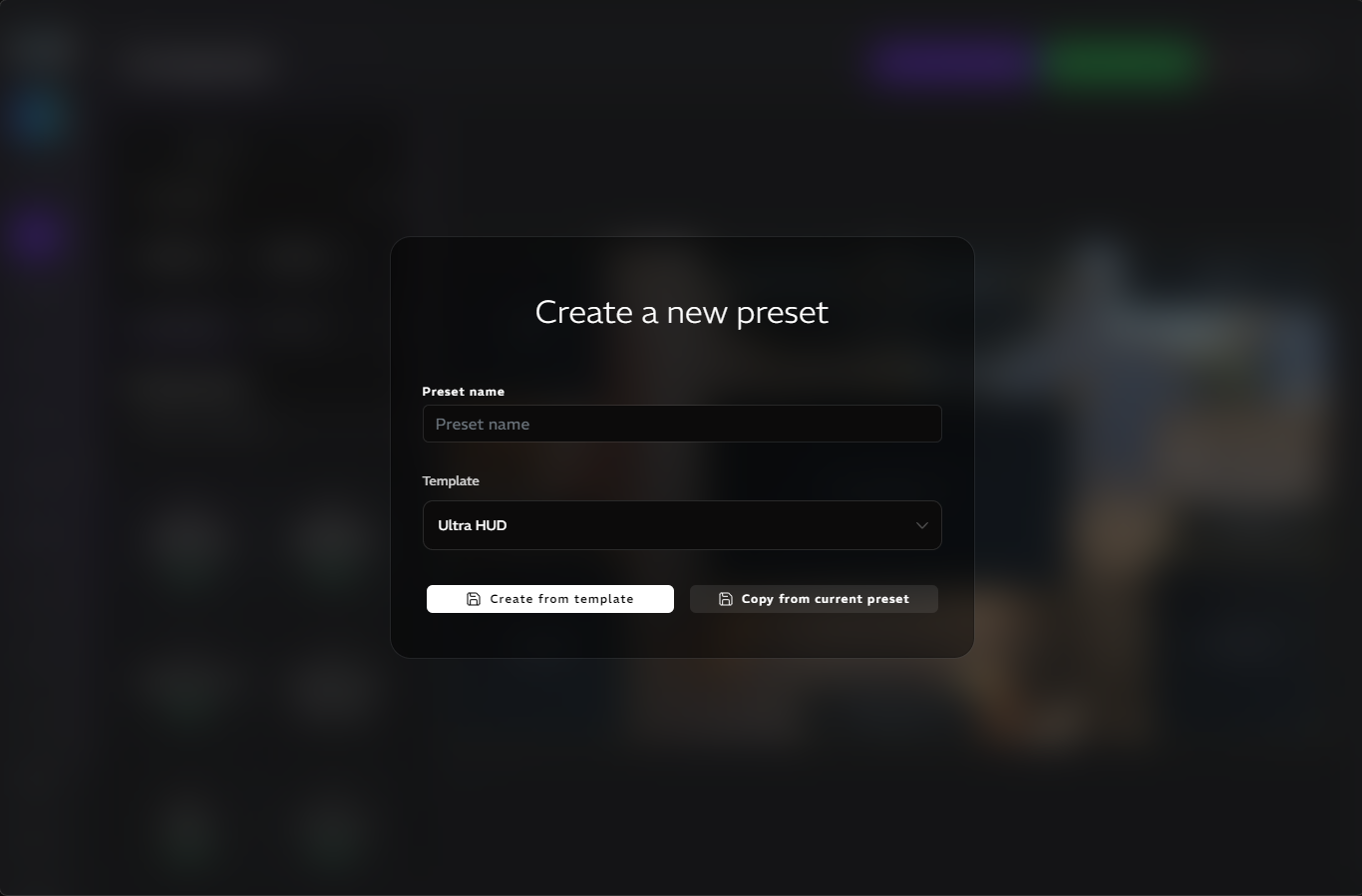
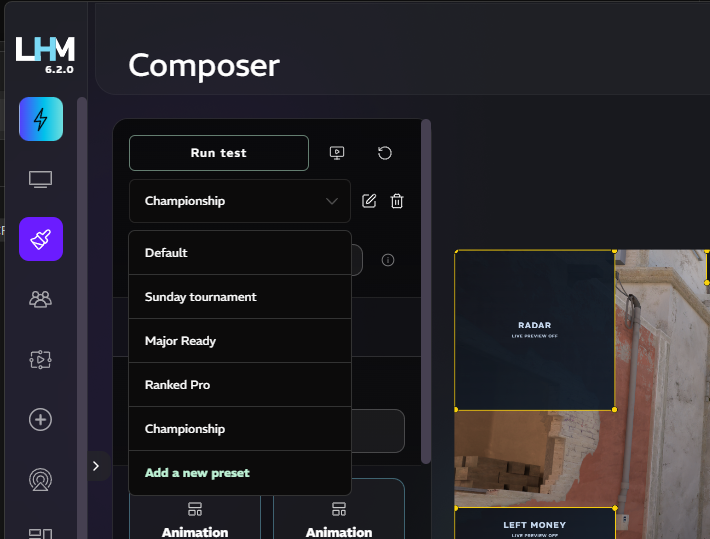
Create as many HUDs, overlays, and variants as you need. Save each one as a separate preset, so you can switch between them anytime.
Everything is stored in LHM Cloud for your convenience.
Choose from existing HUDs and assets
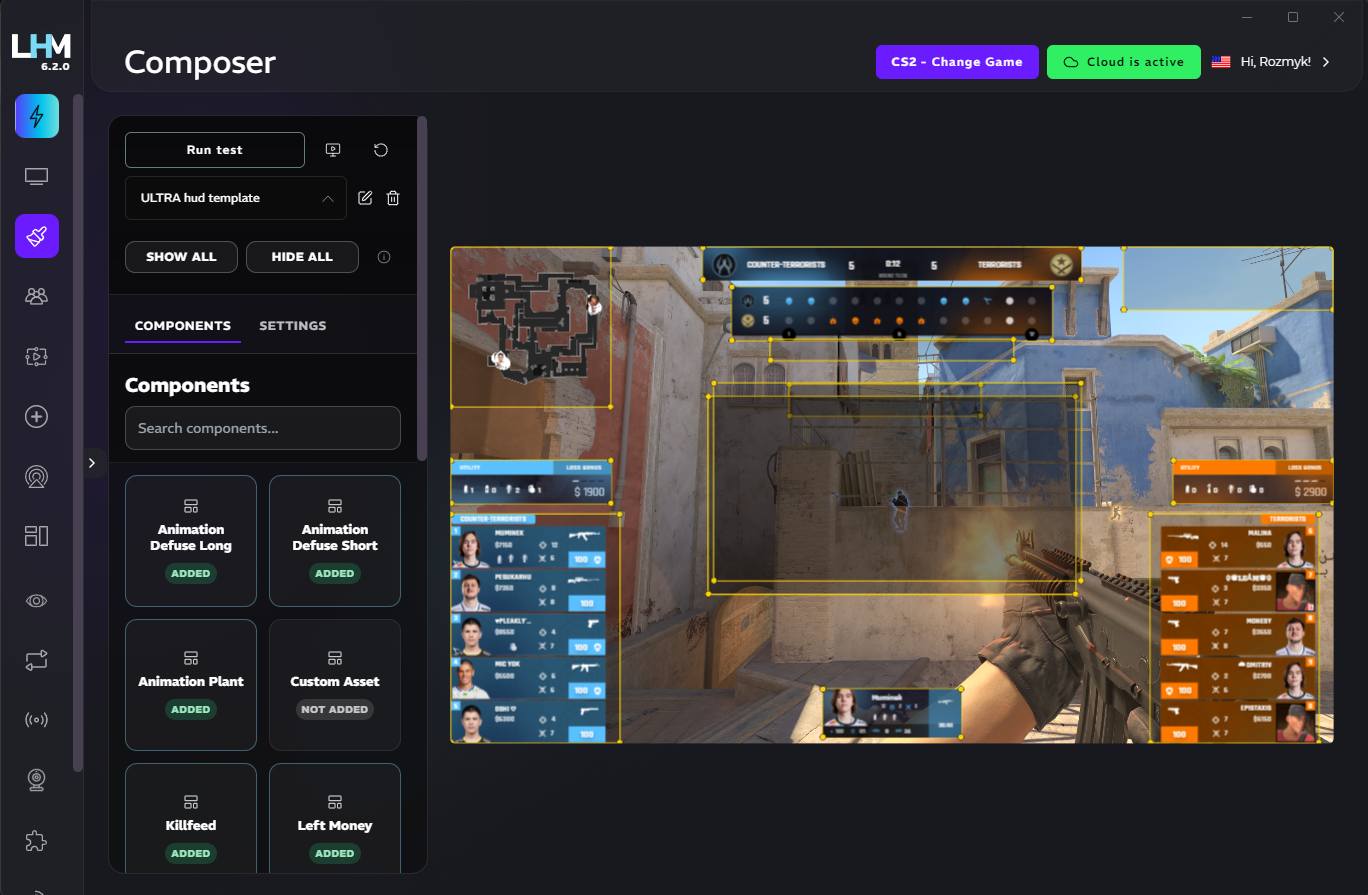
You can use components from all LHM HUDs, including Ultra CS2 HUD, Sapphire, Amber, Neon, and Emerald. Mix and match them freely, then adjust positioning, shapes, colors, and styles to fit your design.
Browse all HUDs & Overlays to compare the available starting points for your Composer setup.
If each HUD has elements you like, you can combine the best parts into a new custom HUD and keep everything consistent by defining a global layout and style.
Use your own assets
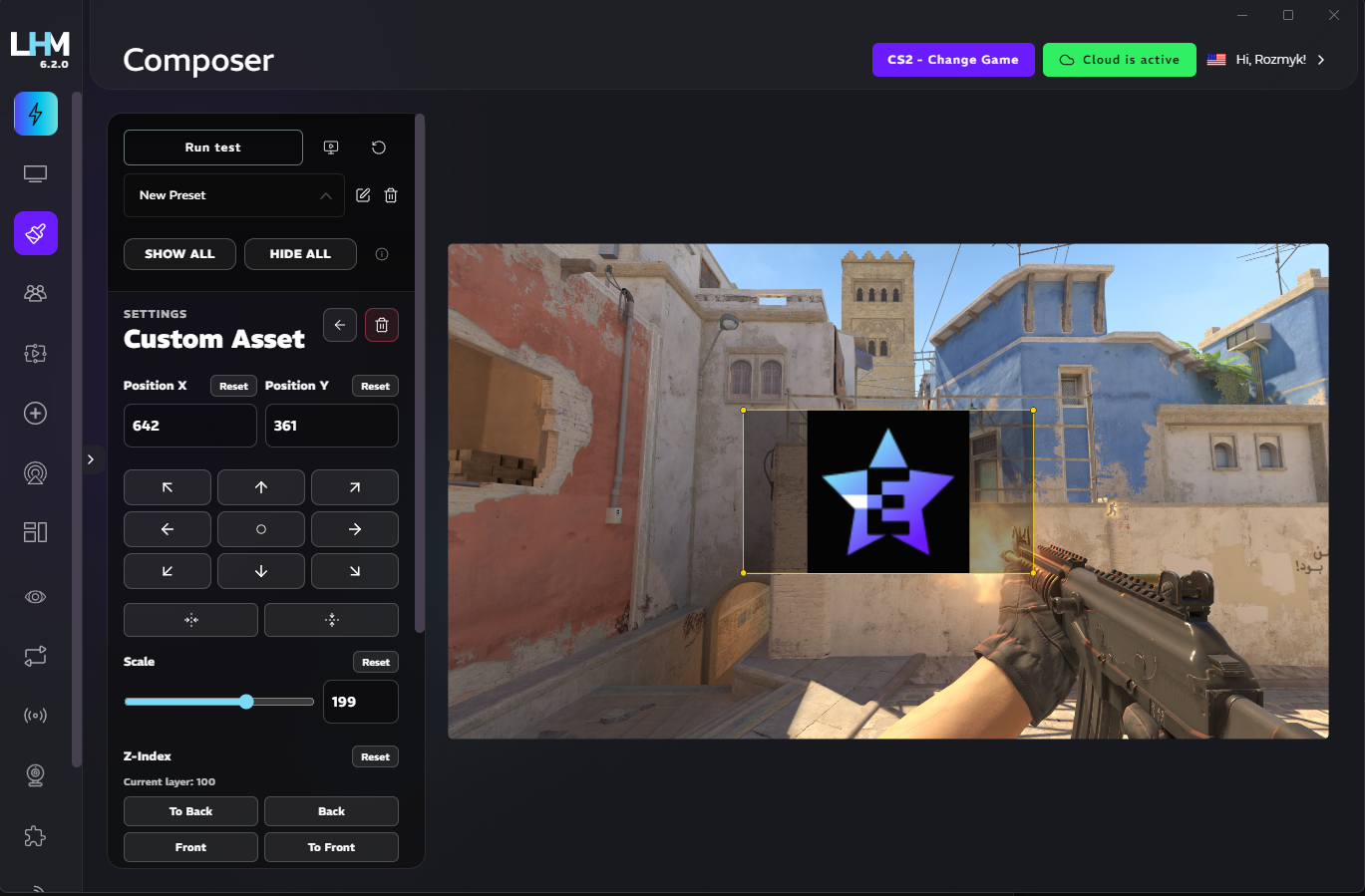
Upload your own patterns, images, and media to customize your HUD. Add your branding and logos to make your overlay stand out on Twitch and Kick.
Choose where the sponsor media needs to be.
Building a brand with HUD has never been easier.
Customize radar to your liking
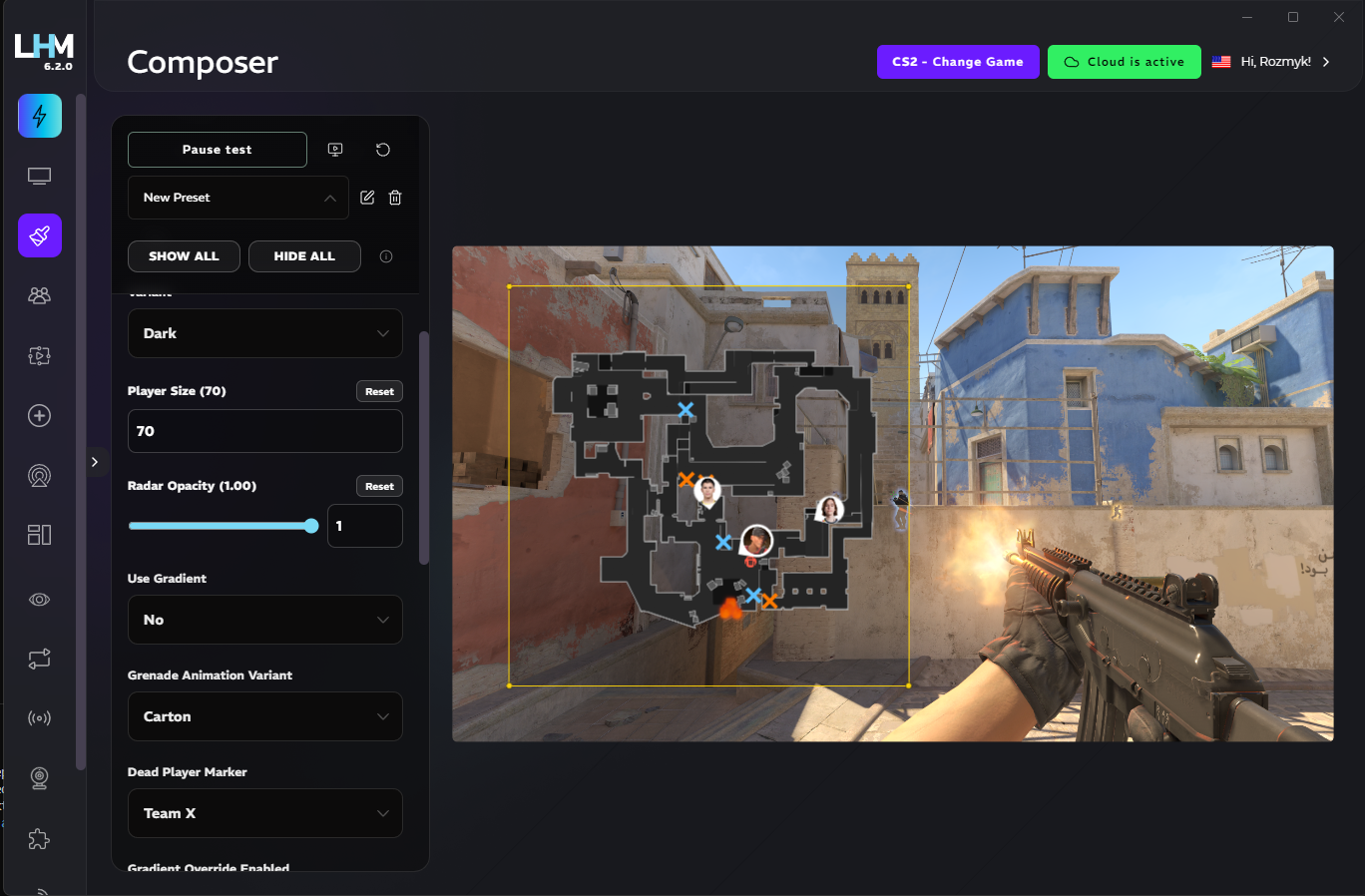
Radar is a core part of CS2. With Composer, you can control colors, opacity, auto-zoom, avatars, icons, and animations.
Match the radar to your HUD style while keeping key information instantly visible for viewers.
Code, if you need it
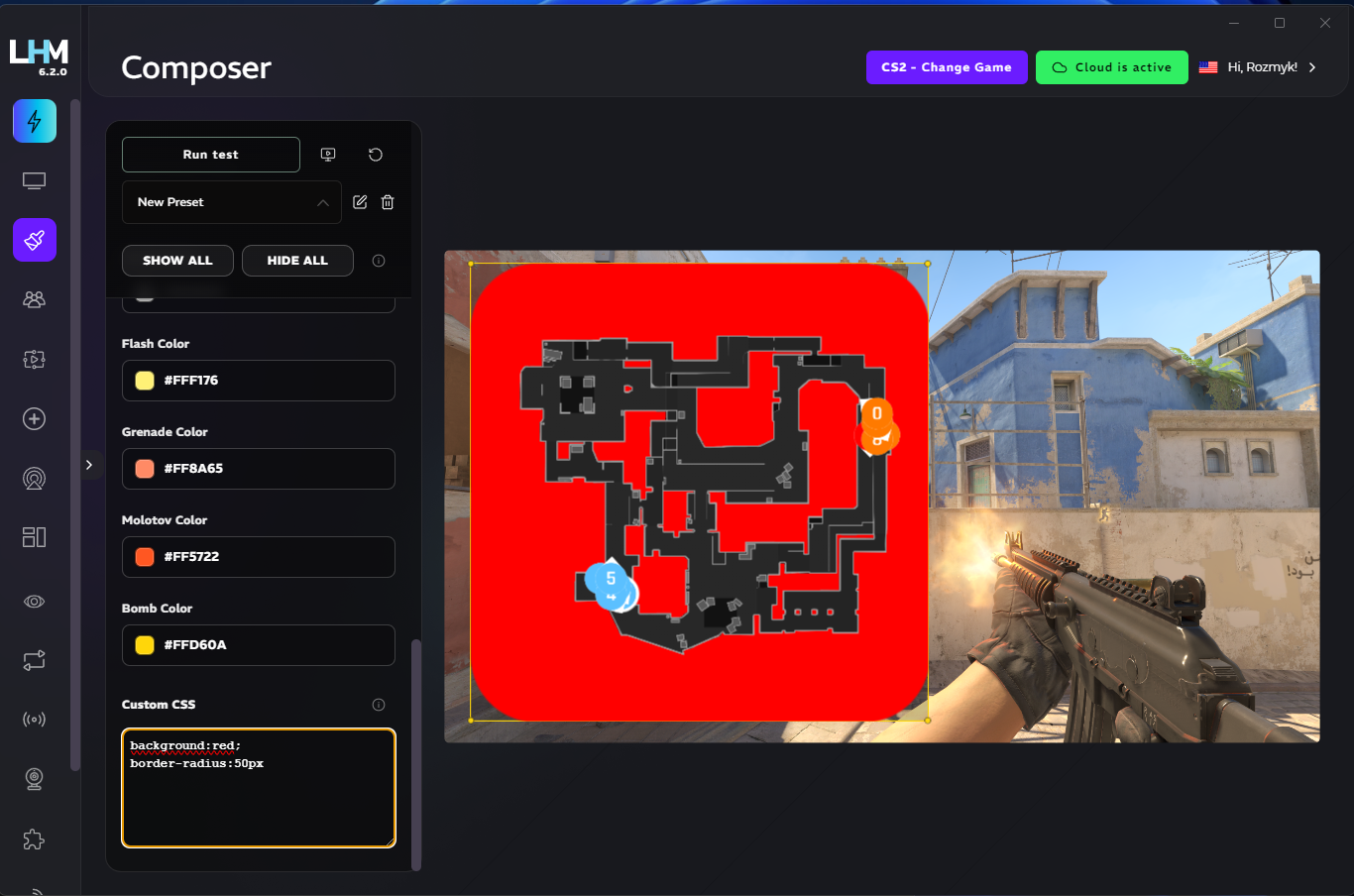
If you want deeper customization, you can add custom CSS for individual elements. This gives you fine-grained control over styling and layout, so your HUD looks exactly the way you want.
As always, all saved in LHM Cloud.
Copy and iterate