Esport Broadcasting Powerhouse
Blog
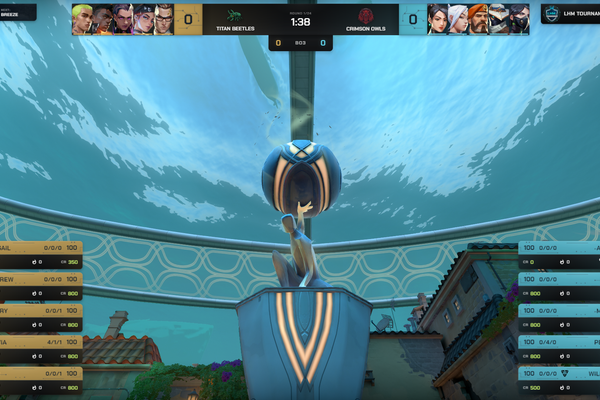
LHM 7.2: On-Demand Replays, Valorant HUD improvements, and more production controls
LHM 7.2 introduces on-demand replay playback, automatic Valorant HUD Round End screens, improved OCR accuracy, and new camera feed options. Discover the latest production workflow enhancements, stability improvements, and fixes for esports broadcasts.

LHM WEEK: One week to experience more of LHM for less
For one week only, get more from LHM for less. Save 50% on your first month of Personal or 30% on Professional, unlock Ultra HUDs on every paid plan, and use Scout AI without consuming your hourly budget. LHM WEEK also brings permanent upgrades, including more Scout AI hours and greater freedom to customize HUD colors. Explore LHM 7.1, put its production tools to work, and see how far your broadcast workflow can go before the offer ends on September 10.
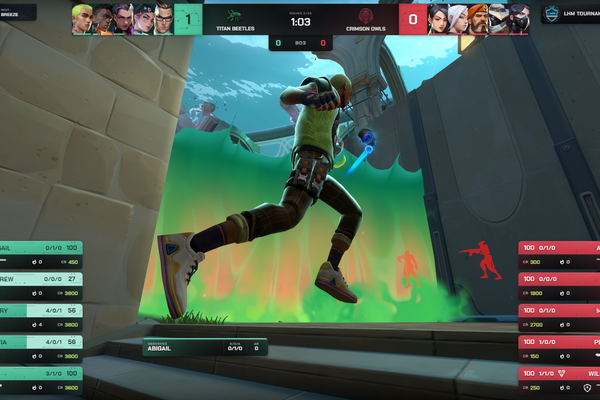
LHM 7.1: Ultra Valorant HUD, LHM HUDs customization, and more control over your production
LHM 7.1 gives esports production teams more control, automation, and flexibility. Discover the new Ultra Valorant HUD, Scout Predict 1.0, expanded HUD customization, tournament branding, improved Scout AI, and new Camera API controls. Whether you are running tournaments, broadcasts, or branded events, LHM 7.1 brings more of your production workflow into one connected platform.
Esports Broadcast Setup: Everything to Test Before Going Live
A reliable esports broadcast depends on more than a working game server and stream key. Learn what production teams should verify before going live, including match data, HUDs, OBS or vMix scenes, observers, cameras, audio, sponsor graphics, replays, backups, and final stream output.
LHM 7: LHM Studio, a refreshed interface, and more tools for every Live Production
LHM 7 introduces LHM Studio for esports and other live productions, alongside a refreshed interface, reworked Stream Deck integration, Replay clip saving, and important CS2 and LoL improvements.
Esports Advertising: Sponsorship Ideas for Broadcasts and Events
Esports advertising can go far beyond static logos and pre-roll videos. This guide explains eight practical sponsorship ideas for tournament broadcasts and live events, including branded overlays, statistics, replays, studio placements, MVP segments, social integrations, and event-triggered sponsor ads.
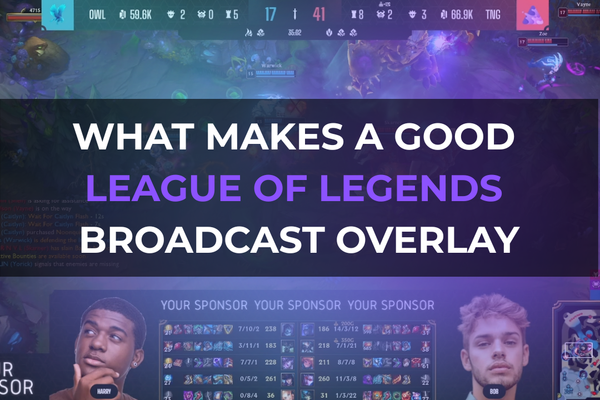
What Makes a Good League of Legends Broadcast Overlay?
What makes a League of Legends broadcast overlay genuinely useful? This guide explains which match, player, economy, objective, and branding elements matter most, how to keep the HUD readable during high-action moments, and when a custom setup is worth the investment. It also shows how LHM supports LoL broadcasts with real-time data, matchbars, scoreboards, Dragon and Baron timers, Ultra HUD features, and custom HUD implementation for tournaments, leagues, and branded esports productions.

What Information Should a Valorant Overlay Display?
A Valorant overlay should do more than frame the game. It should help viewers instantly understand the score, round timer, spike state, player status, economy, weapons, ultimates, and wider match context without covering the action. This guide explains what information a Valorant broadcast overlay should display, how to prioritize readability, and where LHM fits for teams planning professional Valorant HUDs, overlays, and tournament graphics.

How to Design a CS2 Tournament HUD
A Counter-Strike 2 HUD is more than a visual layer on top of the broadcast. It helps viewers quickly understand the score, economy, player status, bomb state, utility, and round tempo. In this article, we explain how to design a readable CS2 tournament HUD, when a custom overlay makes sense, and how LHM supports esports productions with ready-made HUDs, HUD Composer, and full custom CS2 HUD implementation.