
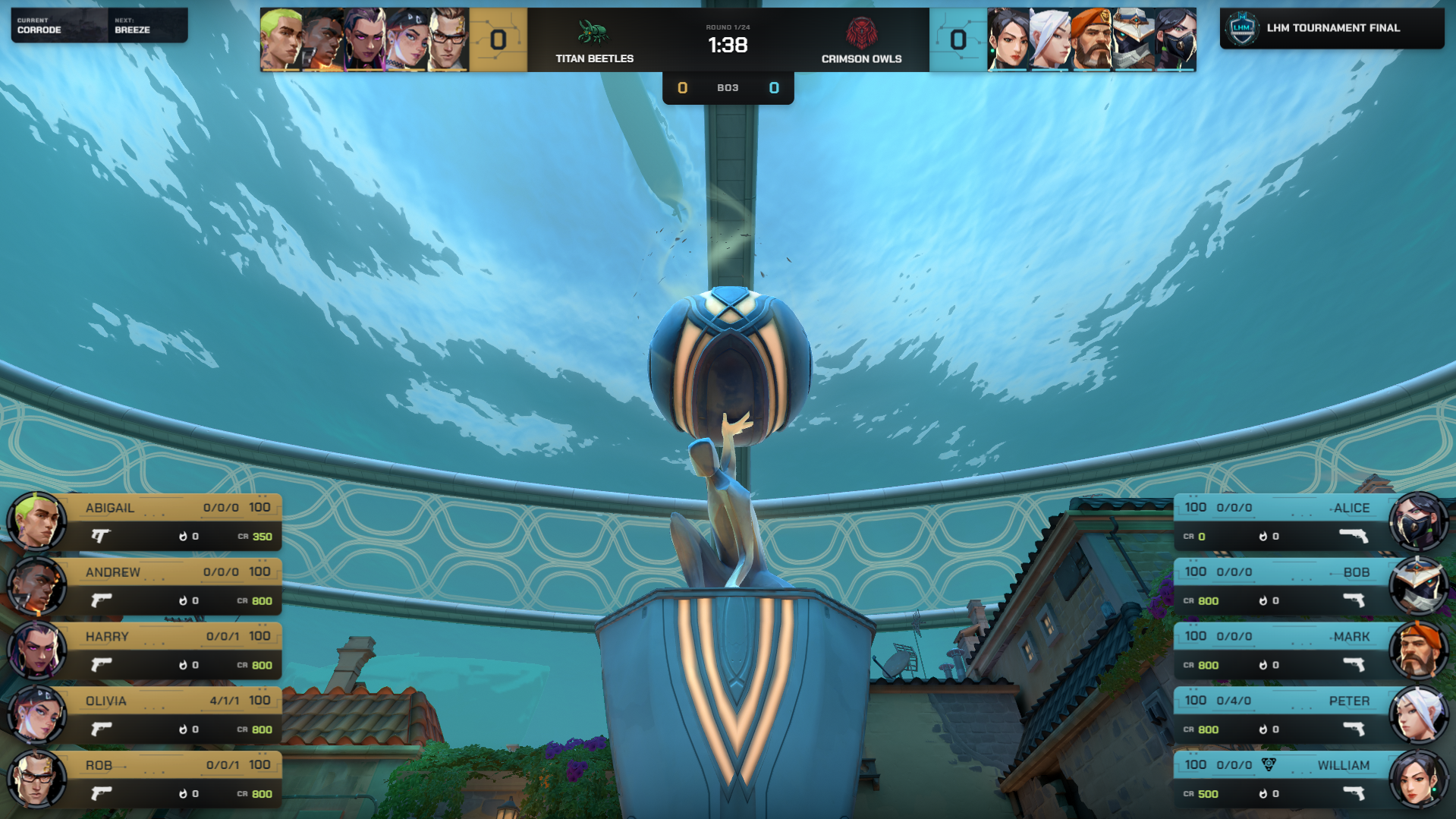
LHM 7.2 is here, bringing new controls for LHM Replays, improved Valorant HUD automation, additional camera feed options, and several workflow improvements. This update also focuses on reliability, with fixes and stability improvements across LHM Cloud, Scout, and other production tools.
Here's what's new.
Play your latest LHM Replay on demand
LHM Replays now supports on-demand playback of the latest replay clip, giving production teams more control over when to bring recent gameplay moments back on screen.
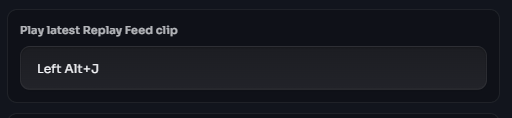
Instead of relying solely on the existing replay workflow, you can now trigger playback of the most recent clip whenever it's needed during a broadcast.
We've also improved LHM Replays stability to make the overall experience more reliable.
Improved Valorant HUD automation and OCR accuracy
Valorant production gets two important improvements in this release.
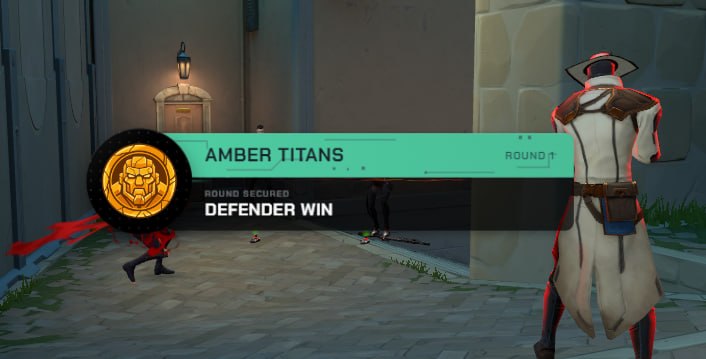
Automatic Round End screens
Valorant HUDs now automatically display Round End screens, reducing the need for manual intervention at the end of each round.
Significantly improved OCR accuracy
We've made substantial improvements to Valorant OCR accuracy, helping LHM read game information more reliably.
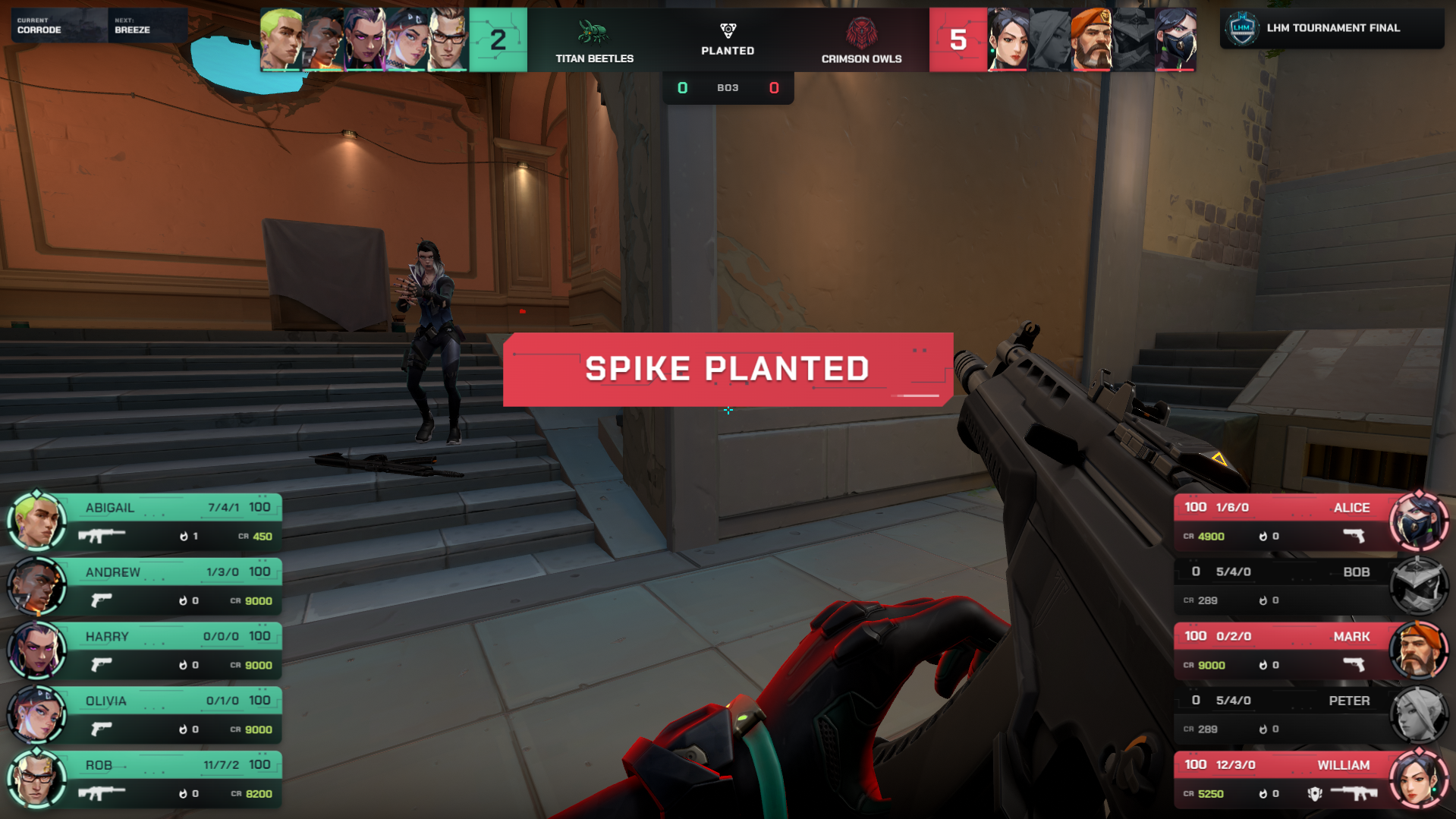
Together, these changes make Valorant HUDs easier to operate during live matches, with less manual work needed to manage round transitions and game data.
We've also fixed an issue with weapon image scaling in the Ultra Valorant HUD, improving the consistency of weapon visuals.
Team feed inputs for Camera Mixer Native
The Camera Mixer Native addon now supports team feed inputs, expanding the available input options for camera-based production workflows.
This gives production teams additional flexibility when configuring camera feeds alongside their existing broadcast setup.
Saved CG Mode layouts and better UX
LHM 7.2.0 includes several quality-of-life improvements designed to make everyday configuration easier.
CG Mode layout saving
CG Mode now supports saving its layout, so you don't have to recreate your preferred arrangement each time.
Improved Players, Teams, and LHM Cameras settings
We've refined the editing experience across Players, Teams, and LHM Cameras settings, making these frequently used configuration areas easier to work with.
These changes are particularly useful for operators who regularly adjust production setups, manage teams and players, or work with multiple camera configurations.
More reliable LHM Cloud and Scout workflows
Reliability remains a priority, especially for tools used during live productions.
LHM 7.2 includes stability improvements for LHM Cloud, alongside fixes for two Scout issues:
- Fixed cases where Scout wasn't switching between players correctly.
- Fixed cases where Scout behaved incorrectly when used on multiple computers with the same LHM account.
We've also addressed an issue affecting Stream Deck functionality when working with HUDs in Dev Mode, improving the experience for HUD creators testing and developing their overlays.
Additional fixes and improvements
Alongside the main changes, LHM 7.2 includes:
- Fixed weapon image scaling in Ultra Valorant HUD.
- Corrected a typo on the Ultra CS2 HUD comparison screen.
- Fixed an issue that prevented users from logging out when a device lock message was displayed.
- Additional system improvements, security fixes, package updates, and minor bug fixes.
Update to LHM 7.2
Whether you're running a Valorant broadcast, managing camera feeds, working with LHM Replays, or developing custom HUDs, version 7.2 brings practical improvements to your production workflow.
Update to LHM 7.2 to try the latest features and fixes.
As always, we appreciate your feedback and the reports that help us keep improving LHM.