
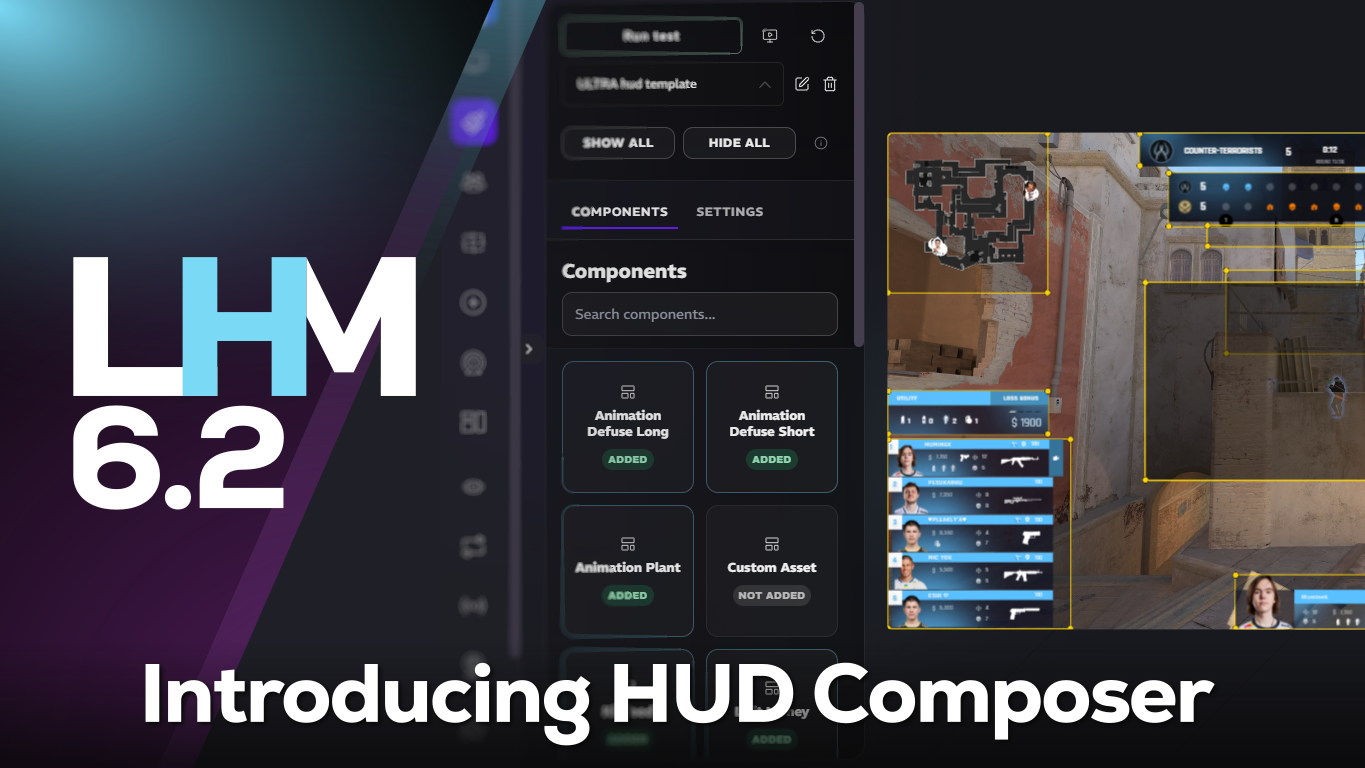
The biggest addition is HUD Composer for CS2, a new tool that opens up far more flexibility in how HUDs are built and adjusted. Alongside that, LHM 6.2 introduces HUD Sharing and HUD Renting, expands CS2 production tooling with X-ray support and keybind controls, and adds a range of quality-of-life improvements across CS2, Dota 2, and League of Legends.
HUD Composer for CS2 (beta)
The headline feature in LHM 6.2 is the new HUD Composer for CS2.
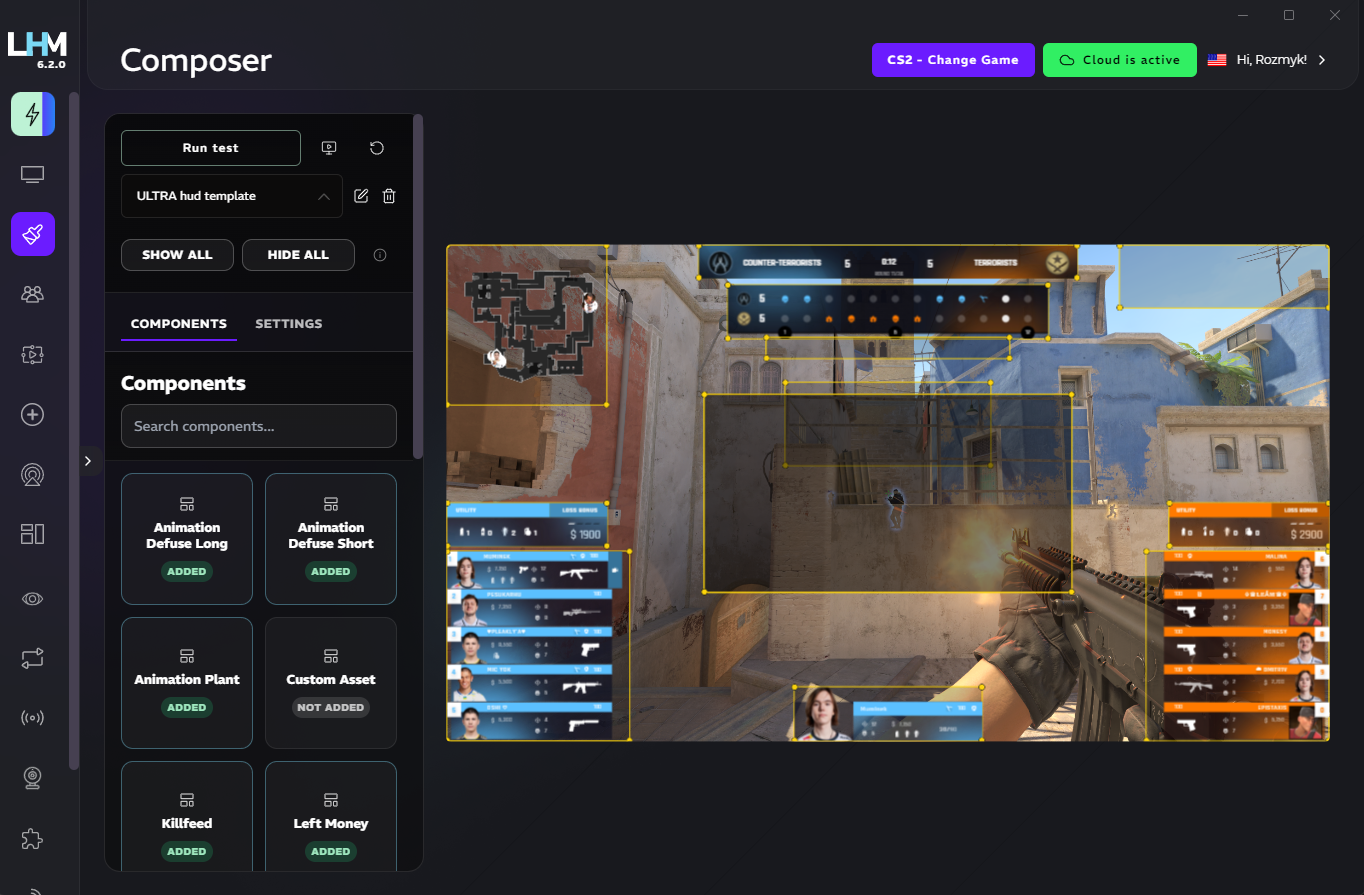
HUD Composer is an advanced HUD creation tool that lets you customize both the appearance and placement of components using assets from all LHM CS2 HUDs. You can define colors, sizes, patterns, borders, locations, and positioning, among many others. It also supports minor CSS adjustments, giving everyone more room to fine-tune layouts without leaving the LHM application.
For teams working on branded productions, client-specific overlays, or tailored on-stream experiences, this means more creative flexibility and a more practical workflow when adapting HUDs to different events and visual styles.
Read more about CS2 HUD Composer.
HUD Sharing and HUD Renting
LHM 6.2 adds a new way to distribute HUDs between accounts.
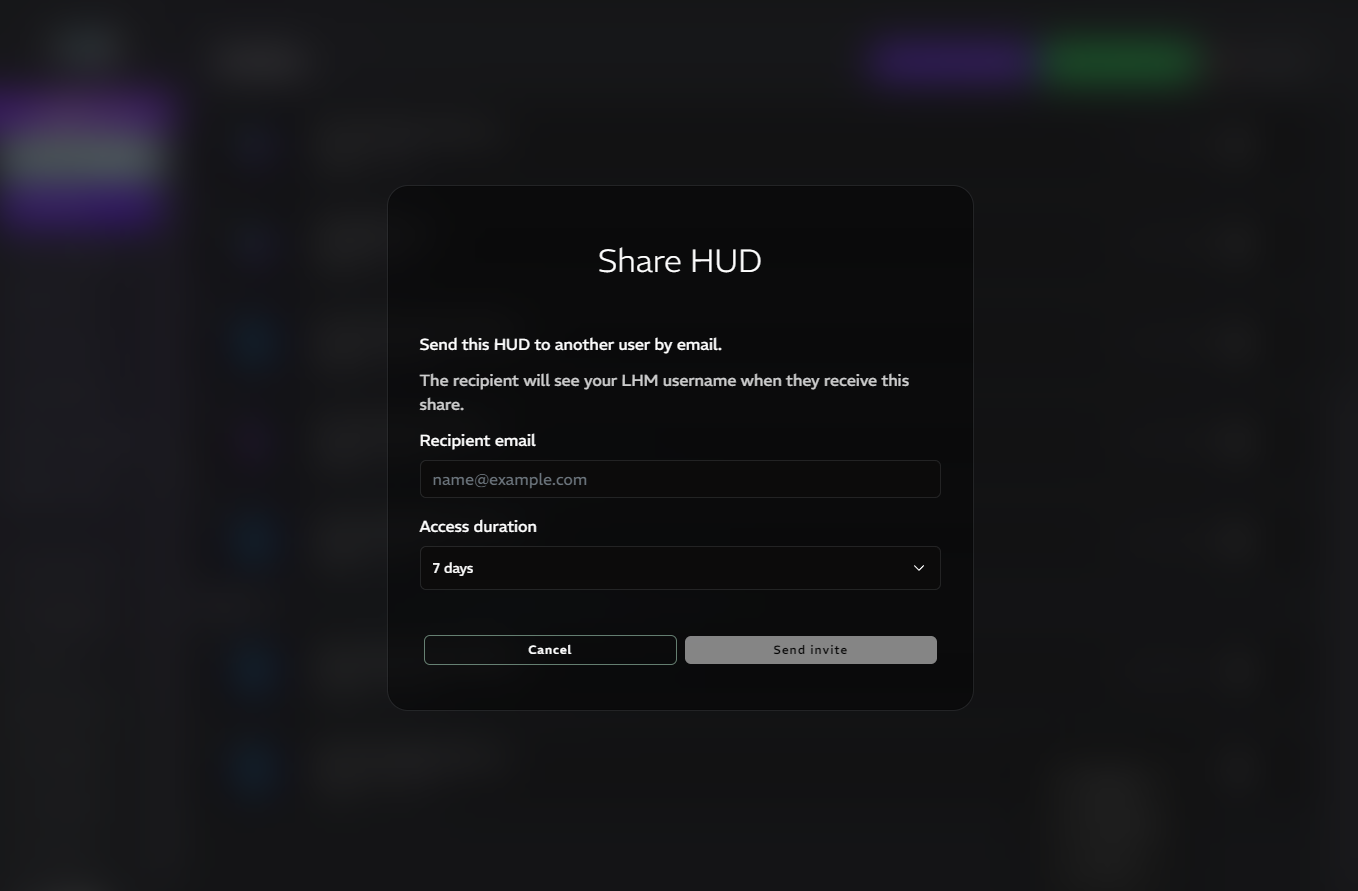
With HUD Sharing, users can now share HUDs across accounts, making it easier to collaborate, hand off setups, or provide ready custom HUDs without the need to manually share .zip files.
This update also introduces HUD Renting as part of HUD Sharing. It allows you to define how long a shared HUD remains available to another account, which is especially useful for temporary productions, client deliveries, rentals, or event-based access.
To reduce spam and misuse of the sharing features, HUD sharing and rentals are available only to users with a paid subscription.
Read more about HUD Sharing and Renting.
X-ray Manager for CS2
Another major addition in 6.2 is X-ray Manager for CS2.
LHM now includes X-ray support together with an intuitive color editor, making it easier to configure and control this part of the viewing experience directly inside your workflow. For productions using it, this should make setup and visual adjustments much more straightforward.
HLAE is required for X-ray support.
HUD Categories
You can organize HUDs into categories from the HUDs tab. You can create, expand, and collapse categories in the list, as well as rename them and reorder them. Categories and HUDs can be moved on a list using drag-and-drop. Configuration is saved in LHM Cloud.
IP Override
You can set what IP address LHM should use internally for all the communication and resource URLs. It is useful when using LHM alongside a VPN service, for when the local network isn't being assigned as the default one.
Slow Load mode
The release introduces an experimental Slow Load mode, designed to help reduce the impact of network restrictions in some countries. This is a targeted usability improvement aimed at making LHM more reliable in more demanding connectivity conditions.
More CS2 Workflow Control
LHM 6.2 brings several practical improvements for CS2 users.
You can now change CS2 player keybinds directly in LHM, which adds another layer of setup control for observers and production teams working with different player environments or custom workflows.
In addition, LHM now detects when CS2 Workshop Tools are required but missing, and will notify the user accordingly. This should make setup issues easier to identify and resolve before they interrupt production.
Ultra HUD updates across games
LHM 6.2 includes a few targeted Ultra HUD improvements across supported titles.
For CS2 Ultra HUD, a new “Defuses available” element has been added.
For Dota 2 Ultra HUD, the standard game view now includes the Team Name, improving clarity during live viewing.
For LoL Ultra HUD, the Matchbar now includes a Best of indicator, while the Match Summary has been expanded with both Best of and match score information. These additions make the match context clearer for viewers and help productions present series information more cleanly.
A release focused on control, flexibility, and practical workflow gains
LHM 6.2 is a strong workflow release.
It introduces a much more flexible way to build CS2 HUDs, adds new options for sharing and temporary access, expands CS2 production tooling, and improves clarity across several Ultra HUD experiences. Together, these changes are designed to make LHM more adaptable for both day-to-day operations and custom production needs.
Update to LHM 6.2 in LHM Settings or download the latest version from our website to start using the new features.
Full changelog:
- HUD Composer (beta): added HUD Composer for CS2 - an advanced HUD creation tool that allows you to customize the appearance and placement of components, using the assets from all LHM CS2 HUDs, and make minor CSS adjustments.
- HUD Sharing: added the option to share HUDs across accounts. Requires paid subscription.
- HUD Renting: added HUD renting as part of HUD Sharing. This option allows you to set the duration for which the shared HUD will be available to another account. Requires paid subscription.
- X-ray Manager: added X-ray support along with an intuitive color editor for CS2 (HLAE required).
- Added option to change CS2 player keybinds in LHM.
- Added an experimental Slow Load mode to mitigate the impact of network restrictions in some countries.
- LHM now detects when CS2 Workshop Tools are missing when they are required to run and will notify the user.
- Added HUD Categories: you can organize HUDs into categories from the HUDs tab
- Detection of missing CS2 Workshop Tools
- Configs like Steam API keys are now synced with LHM Cloud
- Global blank avatar
- Added IP Override: you can set what IP address LHM should use internally for all the communication and resource URLs
- Added “Defuses available” to the CS2 Ultra HUD.
- Added Team Name in the standard game view in Ultra HUD for Dota 2.
- Added “Best of” indicator to Matchbar, as well as “Best of” and match score to the Match Summary in LoL Ultra HUD.
- Some of the configuration settings, such as Steam API Keys, Global Blank Avatar, X-Ray Settings, and Half-Time Behavior, are now synced with LHM Cloud
- Option to set a global blank avatar.
Make sure to update LHM to the latest version (6.2) in LHM Settings or download the latest version from our website!
To avoid issues with automatic updates caused by the latest GitHub policies, download the latest version of the LHM directly from our website and install it on your PC.